Create with verified people and persistent characters
Verify consenting real people, register reference assets, and reuse approved assets in your Seedance workflow. Get help integrating private real-human and virtual asset libraries, including Advanced Creation Rights.
Consent-based real-human workflowReusable virtual charactersPrivate tenant-level assetsActive status required for generation
TWO ASSET TYPES
Choose the identity workflow that fits your product
REAL-HUMAN ASSET LIBRARY
Use approved references from consenting real people
Create private asset groups for consenting real people and register approved reference media for legitimate commercial AI video workflows.
Consent and identity verification
Private verified asset groups
Group ID and Asset ID workflow
Seedance generation using Active assets
Available to approved tenants
VIRTUAL ASSET LIBRARY
Reuse fictional characters and visual identities
Build persistent virtual characters for repeatable series, branded content and original IP without presenting them as verified real people.
Persistent virtual characters
Reusable reference assets
Better visual continuity
Series, IP and branded-content workflows
Private tenant-level asset management
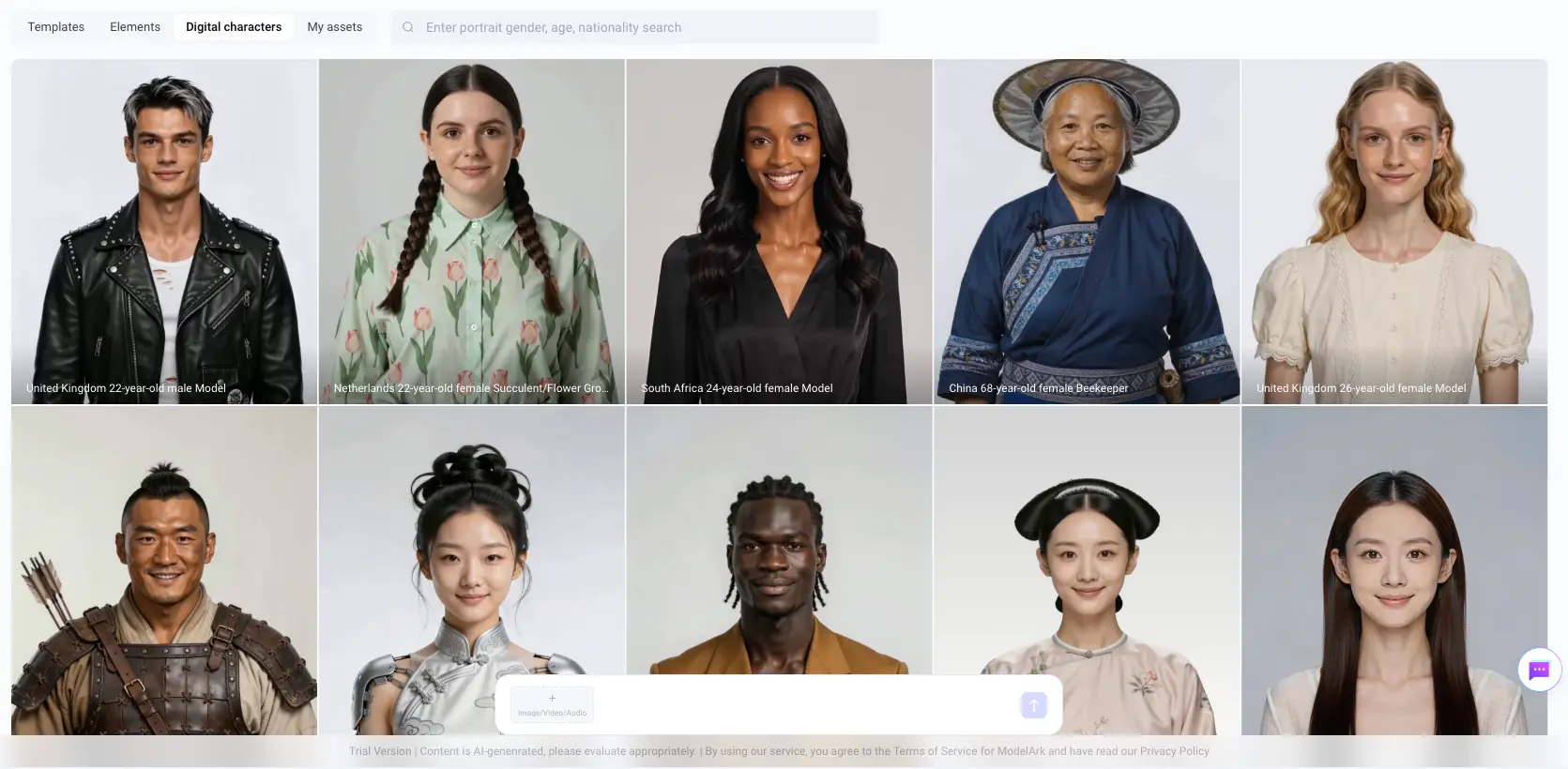
DIGITAL CHARACTER LIBRARY
Create with ready-to-use digital characters
Choose from a collection of pre-created digital characters for Seedance 2.0 and Seedance 2.5. Each character includes one or more image assets that can be used as references for video generation.
From character asset to video
Select an image asset, combine it with your prompt and submit the generation request through the managed API. Active assets are referenced by their Asset ID or asset URI, while authentication, project routing and the tenant-specific model configuration are handled securely in the background.
ACTOR AUTHORIZATION
Three steps to verify and authorize a real person
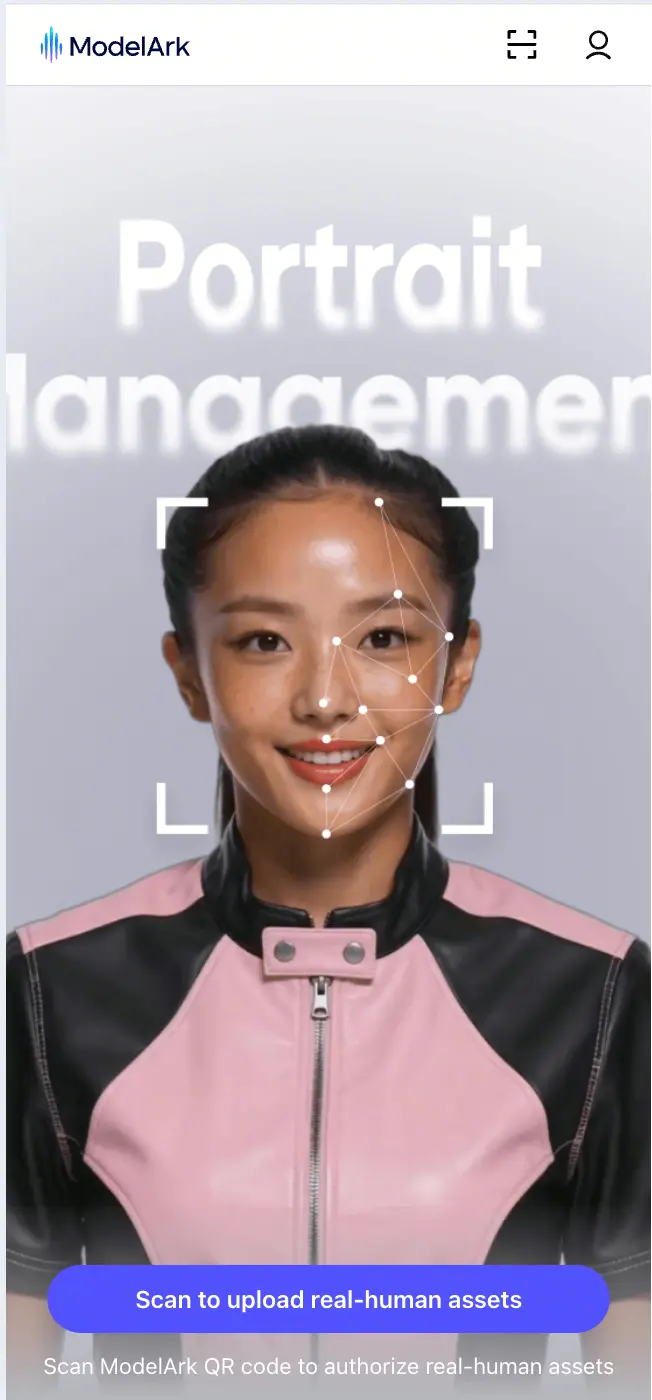
Before reference materials are added, the actor completes the consent and real-person verification flow on mobile.
01
Scan the invitation
The actor scans the QR code created by the asset user and signs in to their personal BytePlus account.
02
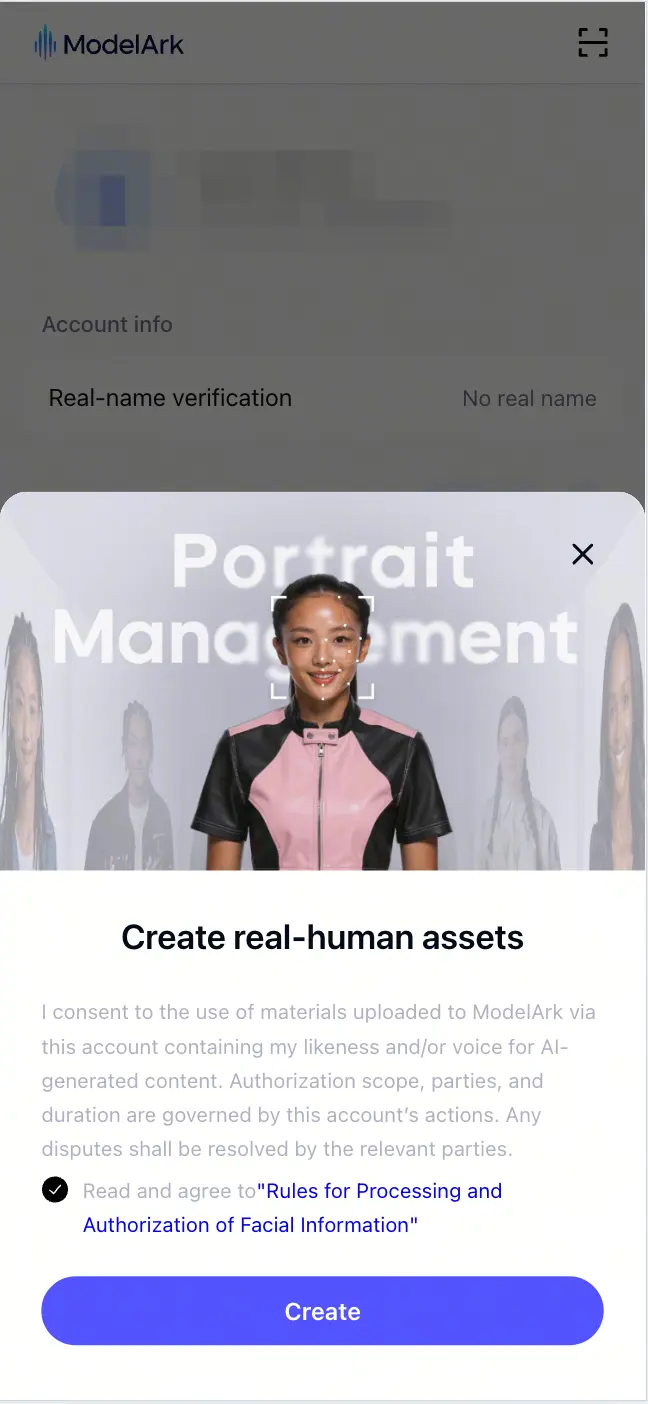
Review and give consent
After confirming the authorization subject and purpose, the actor accepts the facial information processing and authorization terms.
03
Complete real-person verification
The actor follows the on-screen liveness prompt. A clear, front-facing capture helps the verification and later consistency checks succeed.
ACTIVATION WORKFLOW
From identity setup to Seedance generation
The exact routes, identifiers and enabled capabilities are provided during tenant onboarding.
01
Verify or create the group
Complete the required consent and identity workflow for a real person, or create a virtual asset group.
02
Register reference media
Submit the supported reference media and retrieve the Group ID and Asset ID used by the integration.
03
Wait for Active status
Use an asset only after review is complete and its status is Active.
04
Generate with the asset
Submit the activated private asset through the tenant-specific Seedance configuration provided by LSF.
ENTERPRISE CONTROL
Private assets stay within the enabled tenant workflow
Tenant-specific access
Use only the API key, aliases and asset capabilities enabled for your tenant.
Activation before use
Reference assets must complete review and reach Active status before generation.
Human responsibility
Your team retains responsibility for consent, intended use, final review and publishing decisions.
Availability is subject to tenant approval and applicable model policies. This workflow does not by itself guarantee legal compliance in every market.
Real-human verification boundaryComplete the required real-person verification and retain the necessary content rights. An enhanced video or extracted frame is not automatically verified as eligible original media for a later real-human verification flow.
START A JOINT TEST
Evaluate a private asset workflow with your own product use case